Practical Guides · 13 September 2026
Why a clear filming brief matters more than another shot
A stronger video begins with decisions about the audience, visible evidence and approval. Here is how to turn a one-page brief into a practical production tool.
By Juan Pablo Arce · 4 min read · Updated 14 September 2026
In this article
Imagine finishing a filming day with beautiful close-ups, a confident interview and plenty of atmosphere. In the edit, one problem remains: nothing shows the step the viewer needs to understand.
This is a hypothetical scenario, but it captures a useful production question. Did the team lack footage, or did it lack a shared decision about what the footage needed to explain?
A filming brief should connect the business purpose to the material that will make it visible. Its value comes from making choices early enough for the people filming, appearing on camera and approving the work to act on them.
Start with a change in understanding
“Make a video about our business” leaves too much unresolved. It says nothing about whether the viewer already knows the business, what might confuse them or which action the video should support.
A more useful starting sentence is: after watching, this person should understand one specific thing.
For a hypothetical neighbourhood shop, that might be how to find an unfamiliar ingredient and what it is used for. A video for returning customers could instead explain a new way to order. Both feature the same shop, but they call for different introductions, demonstrations and endings.
Choose a next step that matches the explanation. If the video invites someone to read a product page, check that the page answers the question raised. The final frame and the destination should work as parts of one experience.
Give each shot a job
A shot list is most useful when it explains what the viewer will learn from each image. Camera movement and lens choice come after that decision.
Consider five possible roles: context, action, detail, demonstration and next step. They are prompts for thinking, not five compulsory clips. An exterior might establish the location; hands using a product might explain a process; a detail might reveal information that would be hard to describe.
An interview has different needs. A close-up of the speaker may carry a personal explanation, while supporting footage clarifies the subject. Decorative footage should not imply an outcome, service or product feature that the interview has not established.
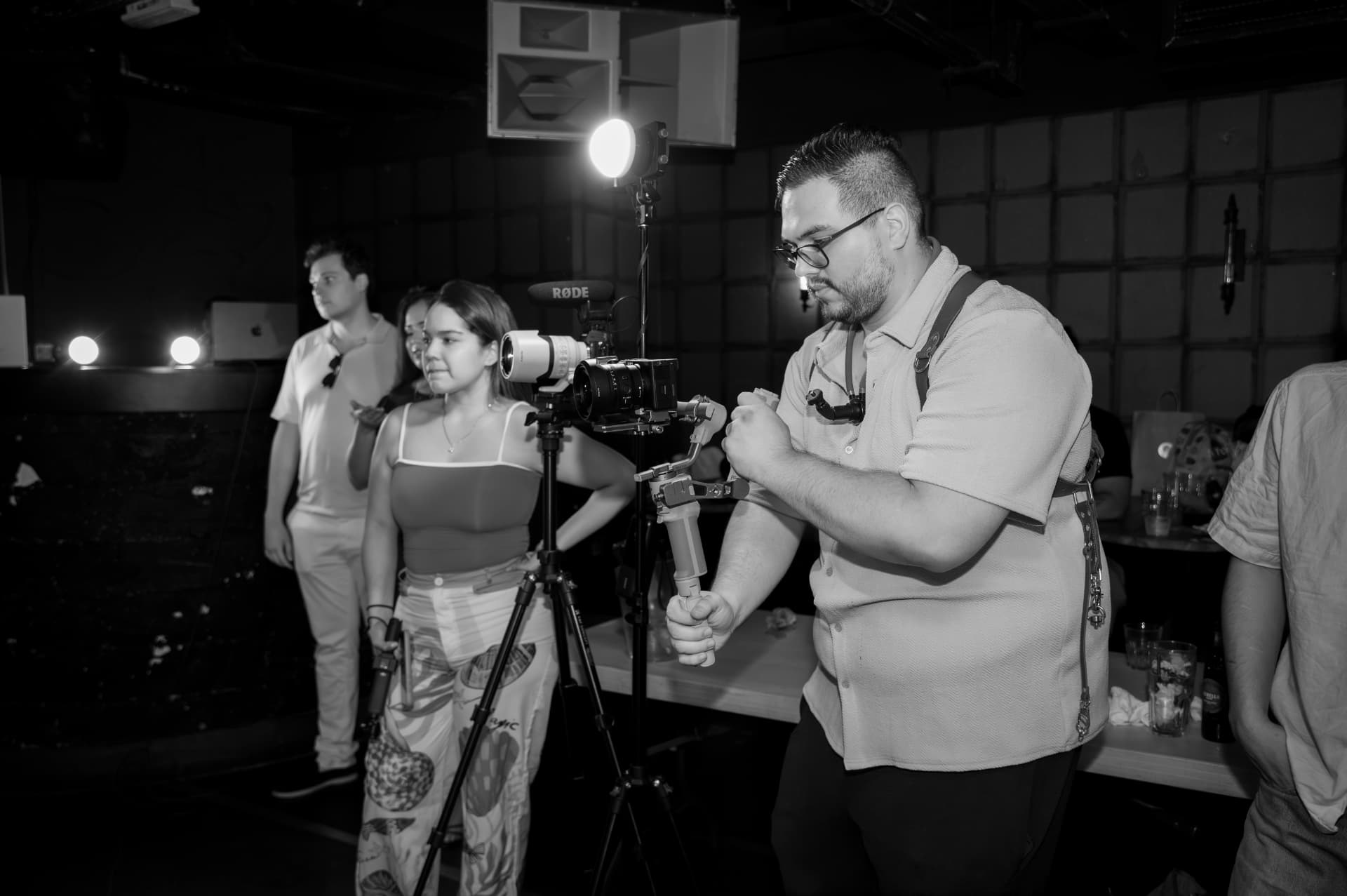
One practical exercise is to place the intended message beside the shot list. If an important sentence has no visual support, decide whether it needs a demonstration, a clearer spoken explanation or less ambitious wording. If a shot has no purpose, decide whether atmosphere alone justifies the time it takes.
Plan for the audience's ability to follow
A video can look polished and still be difficult to understand. Essential information may only appear on screen, speech may be unclear, or a translation may carry the words without their intended meaning.
W3C's media-planning guidance, updated on 17 September 2024, treats accessibility as a production responsibility. Captions, descriptions and transcripts serve different needs; the appropriate combination depends on the content.
For the brief, record the languages needed, the essential spoken and visual information, and the person who will check the final version. Think about speech intelligibility and caption placement during filming. Subtitles alone do not establish that every accessibility need has been addressed.
Faster transcription still needs an editor
YouTube's automatic-caption guidance warns that automatic captions can misrepresent speech and recommends reviewing and correcting them. Accents, pronunciation and background noise are among the factors it identifies.
The production implication is straightforward: assign a reviewer before the edit reaches its deadline. Give that person a reference for names, specialist terms and the intended call to action. Check each language version against the recording and the message.
This review needs judgement. A technically recognisable word can still be the wrong brand name; a plausible translation can change how an offer is understood. Automation can support the work without becoming its final authority.
A brief should leave room for discovery
Too much prescription can be unhelpful. A rigid script may make an interview sound unnatural, and a fixed shot list may miss a useful moment on location.
Separate essential evidence from optional ideas. Be precise about facts, permissions and deliverables, while allowing the crew to respond to what happens. The aim is shared direction, not the elimination of creative judgement.
Before filming, complete six lines: audience, message, visible evidence, next step, accessibility needs and approval owner. Add the channels, deadline and usage permissions where relevant.
After the edit, review whether anything had to be reshot or clarified because the brief was incomplete. Use that observation to improve the next brief. The meaningful test is whether it helped the team make better production decisions.
Editorial note: expanded on 14 September 2026. Examples are illustrative, not claims about a recent client shoot.
Sources
0 likes
0 comments
Working on something this applies to? Tell us.
Start a project