Studio Notes · 21 October 2026
An image file is not a brief: build the context that must travel with every asset
A practical six-field hand-off for keeping source, rights, meaning, transformations and approval attached to images across web, production and AI-assisted workflows.
By María José Ospina · 4 min read
In this article
- The pixels are only the beginning
- Provenance, accessibility and editorial truth are different jobs
- Build a six-field image hand-off
- 1. Source
- 2. Rights and consent
- 3. Factual context
- 4. Intended claim
- 5. Permitted transformations
- 6. Version and approval owner
- Where AI helps — and where it must stop
- The decision to make this week
The pixels are only the beginning
A useful image is more than a file that opens. A team also needs to know where it came from, what it shows, what permission covers its use, which version is current and which edits are allowed. Without that context, a technically excellent photograph can become an editorial liability.
This matters more as creative workflows accelerate. Automatic tagging can make a library searchable. Generative tools can extend a background, propose a crop or create variants. None of those functions can establish whether a person consented to a particular use, whether an event is being described accurately or whether the visual proves the claim beside it.
The distinction is important: automation can describe patterns in pixels; only a documented human process can carry responsibility for meaning.
Provenance, accessibility and editorial truth are different jobs
Three systems are often treated as though they solve the same problem. They do not.
Provenance records an asset's history. The C2PA's Content Credentials specification provides a standard for attaching cryptographically verifiable information about origin and changes. Version 2.4, published in April 2026, added an AI-disclosure assertion and support for manifests in formats including HTML, Markdown and other structured text. That is useful infrastructure, but the C2PA's own explainer is careful: a valid credential does not make a value judgement about whether the information itself is true.
Accessibility explains the image's purpose in its present context. The W3C's alt-text decision tree asks whether an image contributes meaning, performs a function or is decorative. The answer changes the text alternative. A caption copied into every alt field is not a system; it is duplication without judgement.
Editorial review decides whether the image belongs next to this specific claim. That decision may rely on a consent record, a production note, a client approval or a person who can confirm the event. No metadata standard can make that decision on the team's behalf.
Build a six-field image hand-off
The hand-off can be a database record, a project-management card or a sidecar document. The tool matters less than the discipline. Six fields are enough to create a dependable minimum.
1. Source
Record the original filename, photographer or rights holder, capture or creation date when known, and the location of the master. If the date is unknown, say so. An honest blank is safer than a plausible invention.
2. Rights and consent
State what permission covers: channel, territory, duration and any restrictions. Keep copyright, model consent and client approval separate. They are related, but they are not interchangeable.
3. Factual context
Describe only what has been confirmed: people, place, event, product and action. Add explicit exclusions when confusion is likely. “Archive production photograph; event not established” is more useful than a confident but unsupported campaign label.
4. Intended claim
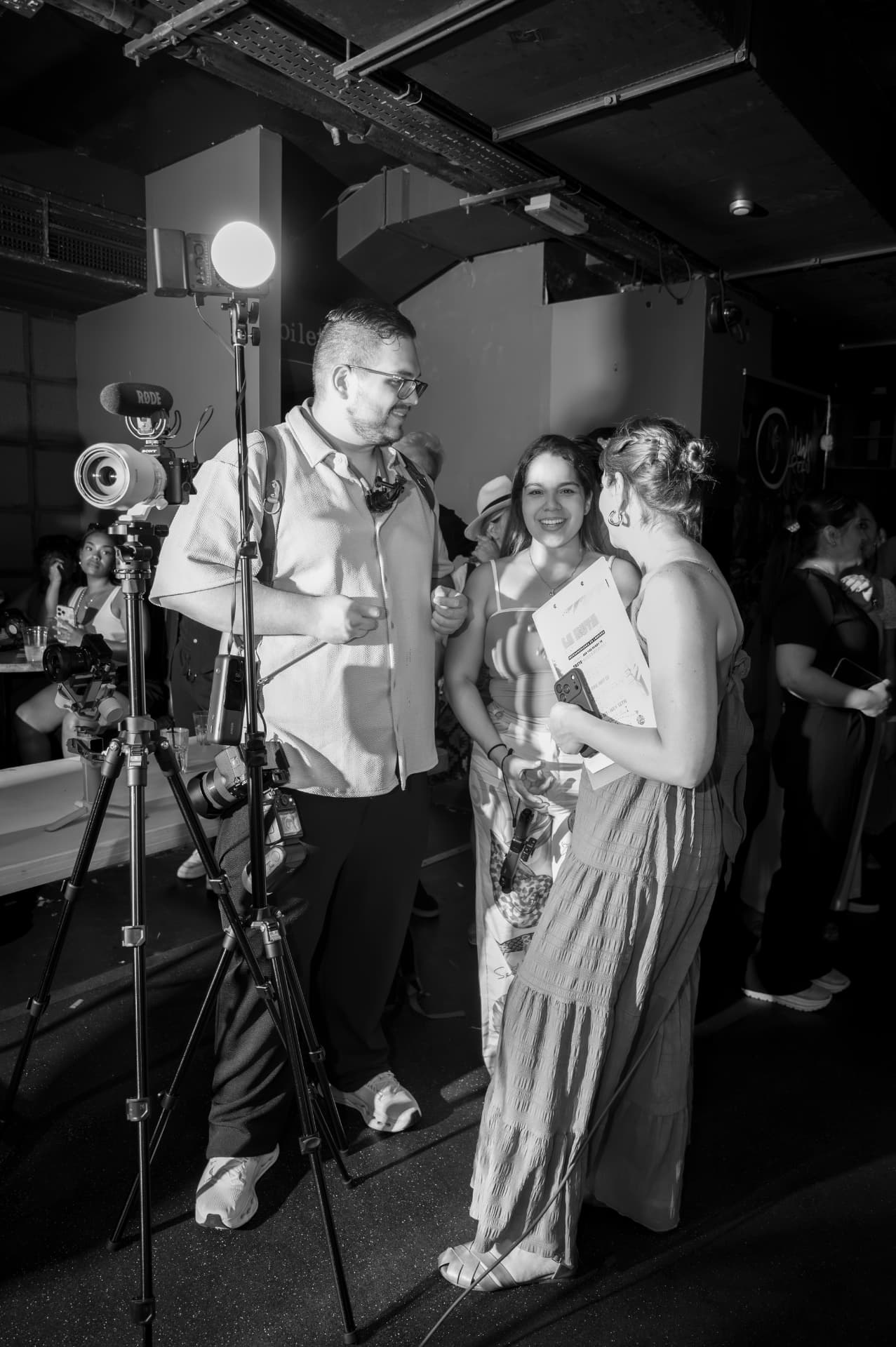
Write the sentence the image is expected to support. This forces a useful question: does the visual demonstrate the point, or is it merely nearby? A founder portrait does not prove an AI workflow. A camera does not prove a production result.
5. Permitted transformations
Define whether the team may crop, recolour, remove a background, generate extensions or create AI-assisted variants. Include framing rules. If a crop removes a person's head, a product detail or the evidence the caption refers to, the transformation has changed the meaning.
6. Version and approval owner
Name the current version, its status and the person responsible for the final decision. Frame.io's 2026 metadata guidance shows how custom fields and status fields can make media easier to organise and filter. The same principle works in any system: approval must be visible, not inferred from the presence of a file.
Where AI helps — and where it must stop
AI can reduce repetitive work around the hand-off: transcribing a spoken note, proposing search tags, detecting duplicate files, or drafting several alt-text options for a human to assess in context. It can also flag that a crop differs from the approved master.
The stop line is inference. A model should not guess consent, identify an event from atmosphere, invent a personal learning or decide that a polished image is proof of a business outcome. Those are editorial and ethical decisions, not image-recognition tasks.
There is also a practical limitation. Metadata can be stripped during export, some platforms do not preserve Content Credentials, and a sidecar document can drift away from its asset. That is why the hand-off needs both machine-readable provenance where available and a visible project record the team can inspect.
The decision to make this week
Add one gate before any image enters production: if a reviewer cannot establish its source, rights, factual meaning, permitted changes, current version and approval owner, the asset is not ready.
The aim is not administrative perfection. It is to stop speed from turning uncertainty into published fact. A small, consistent record gives designers, editors, developers and AI tools clearer boundaries — and gives the human reviewer a decision they can actually own.
Sources
- C2PA Content Credentials specification 2.4 · 2026-04-01
- C2PA and Content Credentials Explainer 2.4 · 2026-04-01
- W3C WAI alt Decision Tree · 2024-05-13
- Frame.io V4: Getting Started — How do I use metadata? · 2026-06-16
- The Creative Design UK archive photograph: trabajando_ambos_2.jpg · 2026-07-29
0 likes
0 comments
Working on something this applies to? Tell us.
Start a project